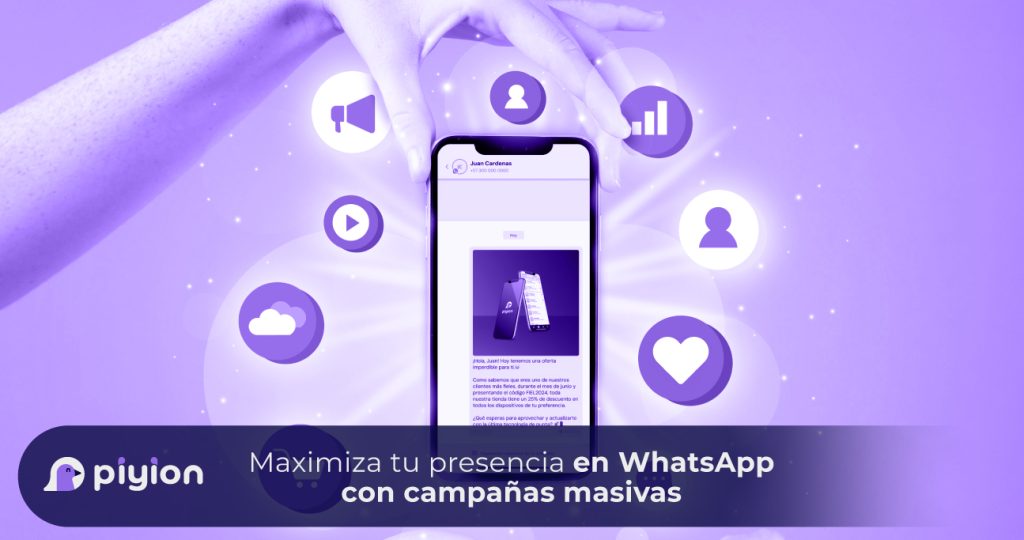
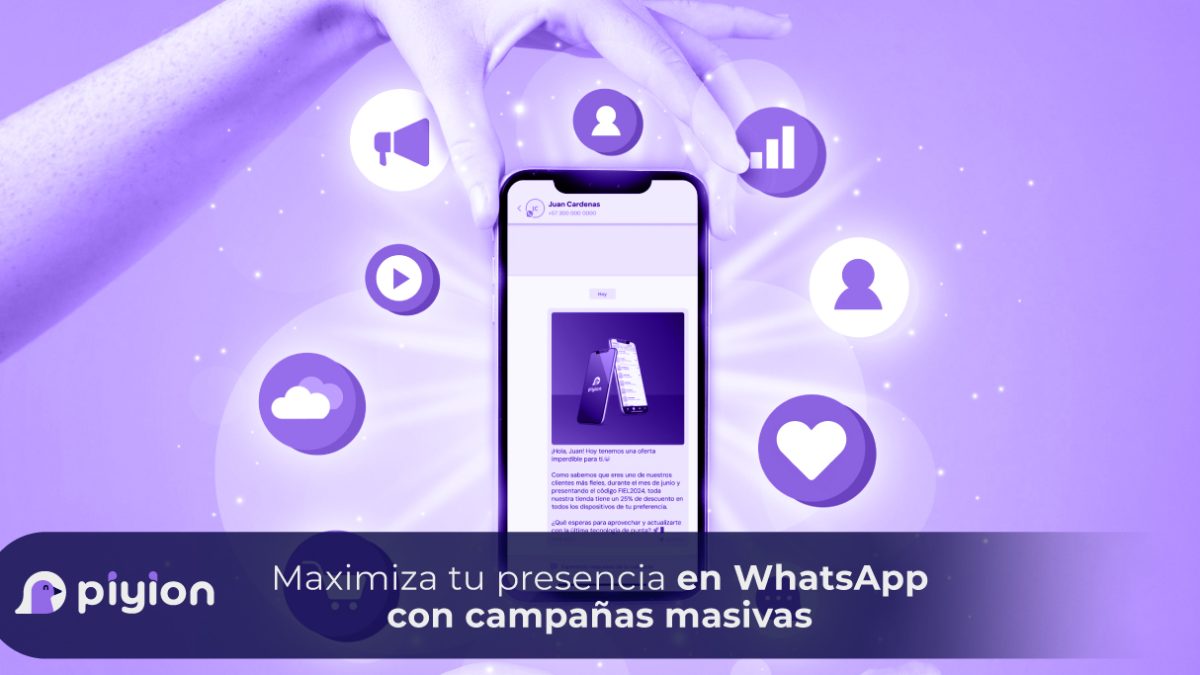
Build a Relevant WhatsApp Campaign Presence
A business builds a useful presence on WhatsApp by sending relevant messages and responding well when customers reply. Campaign tools help organize the work, but message volume alone is not a measure of success.
Prepare the template
Match the message to the campaign objective. Use clear wording and supported media or buttons when they help the recipient understand the next step. Check the template’s status and the requirements that apply to its use.
Choose the appropriate segment
Use relevant customer interests, previous interactions or purchase context to define the audience. Review permission and contact preferences before including people in a campaign.
Read our guide to organizing customers with tags for a consistent segmentation process.
Review frequency and value
- Personalize accurately. Verify names and other fields before sending.
- Use an appropriate frequency. Coordinate campaigns so customers are not overwhelmed by repeated messages.
- Make each message useful. Explain a relevant offer, update or piece of information.
- Give a clear next step. Test the link or button and prepare the team for replies.
Use Piyion to organize the workflow
Piyion supports message preparation, segmentation and scheduling according to the account setup. The business still needs to review recipient permission, content and messaging requirements. No platform can guarantee delivery or prevent every account restriction.
After the campaign, review responses, opt-outs and business outcomes. Use those findings to improve the next message and the follow-up process.
See how campaigns can support after-sales service, or contact Piyion to review your requirements.

 English
 Español