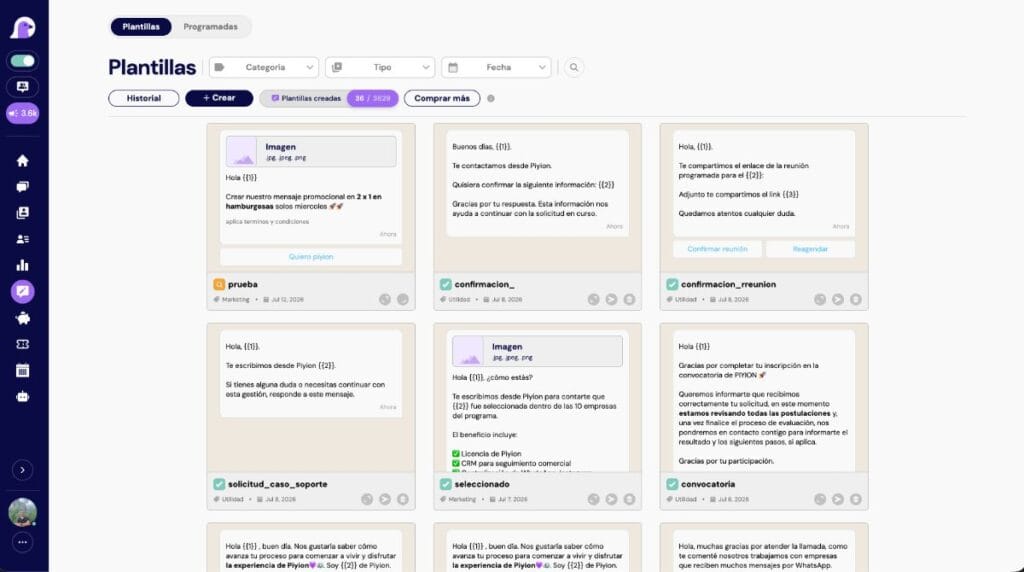
CRM for clinics: inquiries and appointment follow-up
Piyion · Reviewed November 10, 2026
Define an administrative inquiry and appointment workflow with ownership, reminders and clear CRM boundaries.
The administrative role of CRM
A clinic CRM can organize inquiries, ownership and administrative follow-up. It is not automatically a clinical record or a medical decision system. Verify appointment, permission and integration capabilities before choosing a platform.
Keep administrative and clinical work distinct
Route questions about location, hours and availability to the right team. Clinical questions require the clinic’s appropriate process. Avoid placing diagnoses or clinical documents in commercial fields; use the clinic’s approved systems and access procedures.
Define an appointment workflow
- Receive and classify the request.
- Check the authoritative schedule.
- Confirm the date and location.
- Send agreed administrative reminders.
- Record cancellations and rescheduling.
- Close the resolved request.
A CRM conversation does not itself reserve a time slot.
Write clear reminders
Confirm only verified details and explain how to request a change. Avoid unnecessary sensitive information. Do not promise immediate replies when the channel is unattended.
Test exceptions
Use fictional data to test competing requests for a slot, rescheduling, schedule connection failures, reminder opt-outs and clinical handoffs.
Measure administrative work
Track unassigned requests, pending confirmations and response times. Do not infer clinical outcomes from sales metrics. Explore WhatsApp service and multi-agent work for channel organization, with the scope verified before implementation.
Review your workflow with Piyion
Tell us what you need to organize and how your team works today. We can help you evaluate the scope for your business.


 English
 Español