

Improve Customer Support with an Intuitive Interface
Good customer service takes more than a fast reply: teams need to understand each conversation, know who is handling it, and see the next step. A simple interface helps agents spend less time searching for information and more time addressing each customer's needs.
What a customer support interface should offer
When messages come from multiple channels, separate tools can fragment the context. A support platform should bring conversations into one workspace and help the team organize them, assign ownership, and review the history.
It should also be easy to see the status of each opportunity. Tags, notes, and CRM stages help organize information and keep follow-up within the same workflow.
How Piyion helps teams organize customer support
Conversations and channels in one place
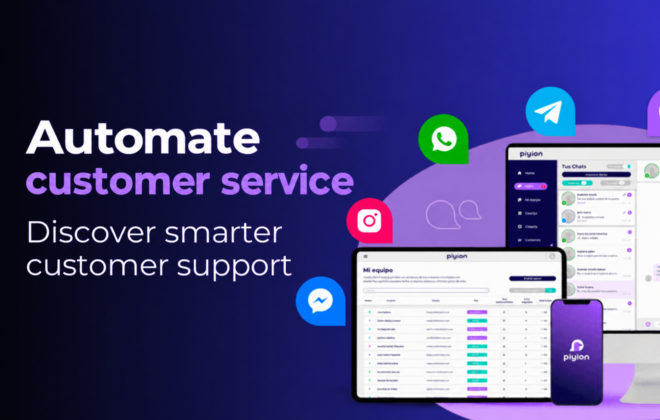
Piyion brings channels such as WhatsApp, Instagram, Messenger, Telegram, and web chat into one workspace. Teams can assign conversations and keep the history, so customers do not have to repeat what they have already explained.
Explore the CRM for Instagram and WhatsApp.
Context to continue the conversation
A clear workflow helps team members find the information they need without switching between tools. With Piyion, conversations can connect to the CRM: teams organize opportunities by stage, assign owners, and schedule follow-ups.
People and AI working together
Piyi can answer questions using your business knowledge and gather information to help move each opportunity forward. When a customer needs human support, the team can continue the conversation with the available context. Automation can support the work of your agents.
A clearer workflow for your team
- Receive and organize: identify the channel and the reason for the conversation.
- Assign: decide who should help the customer or move the opportunity forward.
- Reply with context: review the history and record important details.
- Follow up: make the next step clear so the conversation does not go unattended.
An interface cannot replace a good service process. It makes that process easier to follow and helps the team work with shared information.
What to look for in a customer support platform
Before choosing a tool, check whether your team can find conversations easily, keep their history, assign owners, and follow up on opportunities. Also review which channels you need to connect and whether the platform lets people take over conversations started with automation.
The right option depends on your channels, team size, and support needs. If you want to review how to organize customer conversations and sales follow-up, you can request a free consultation with Piyion.


 English
 Español


