

Planning WhatsApp Campaigns for Black Friday and Christmas
Black Friday, Christmas and New Year create different customer needs. A campaign calendar helps your team prepare offers, answer questions and follow up without sending an unrelated promotion every few days. Set a goal for each campaign Decide whether the campaign should generate qualified inquiries, support a purchase or reconnect with existing customers. Choose one…

WhatsApp Personalization at Scale
Personalizing WhatsApp at scale starts with giving your team useful context. A customer should not have to repeat the same request every time a different sales representative answers. A shared number and a consistent contact record help your team continue the conversation. Segment contacts by their needs Use labels to distinguish product interests, purchase stages…

Organize After-Sales Service with WhatsApp
The customer relationship continues after a purchase. Questions, technical support, maintenance and product guidance all require a clear process so that the customer knows where to get help. What does after-sales service include? Depending on the business, the team may answer questions, resolve problems, explain how to use a product or coordinate a service visit.…
Bring Messaging, Sales and AI into One Workflow
Connect messaging, sales follow-up and AI assistance Piyion brings shared customer conversations, CRM workflows, campaign tools and Piyi assistance into a team workspace. Evaluate the platform against your actual channels, users and service requirements. Organize supported channels A shared interface helps agents review incoming work and the context of previous interactions. Confirm which channels are…

With Piyion, every message gets a reply
Why is responding to every customer message so important, and how can Piyion help? Imagina que eres un cliente con…

Manage High Volumes of Customer Enquiries
Customer enquiries can arrive through several messaging and social channels at once. As the volume grows, the team needs a shared view of the work, clear ownership and a way to identify conversations that still need attention. Understand the demand Review which channels generate enquiries, when the busiest periods occur and which questions are repeated.…

Prepare Customer Support for a Product Launch
A campaign can generate questions that the team needs to handle while more messages are arriving. This article connects the launch of communications with the ability to respond and organize the resulting conversations. It discusses centralization and automation as support for handling enquiries and reviewing coordination between the campaign and subsequent service. Before expanding a campaign, consider what information advisors will receive, how the contact’s intent will be identified and who will continue the follow-up when the first reply does not resolve the case.

Prepare a WhatsApp Campaign in Three Stages
A WhatsApp campaign has three main stages: prepare the message, select the appropriate contacts and review the send. The number of clicks depends on the campaign and account setup; preparation and testing should not be skipped. 1. Prepare the message Use the template format available for your campaign and review its approval status where required.…
Organize Business Communication in One Workspace
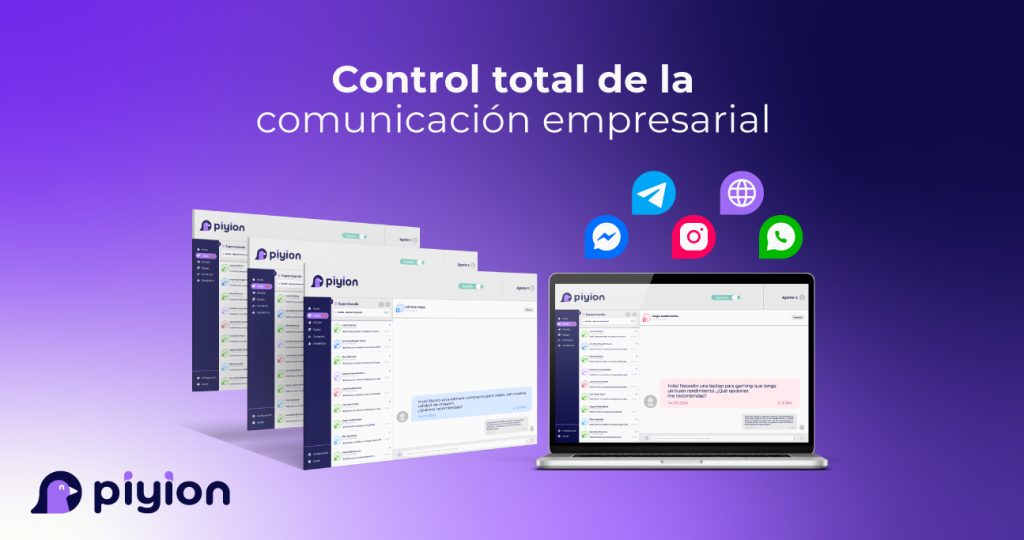
Centralized business communication works best when a team shares rules for ownership, statuses and next actions. This article combines an introduction to conversation management with an operating agreement for recording requests, transferring context and escalating cases. It includes an example of a useful note and distinguishes access to a chat from responsibility for replying. Use it to coordinate sales and service, keep commitments visible and reduce reliance on an individual advisor’s memory when another team member needs to continue a customer conversation.
Build a Consistent Omnichannel Customer Experience
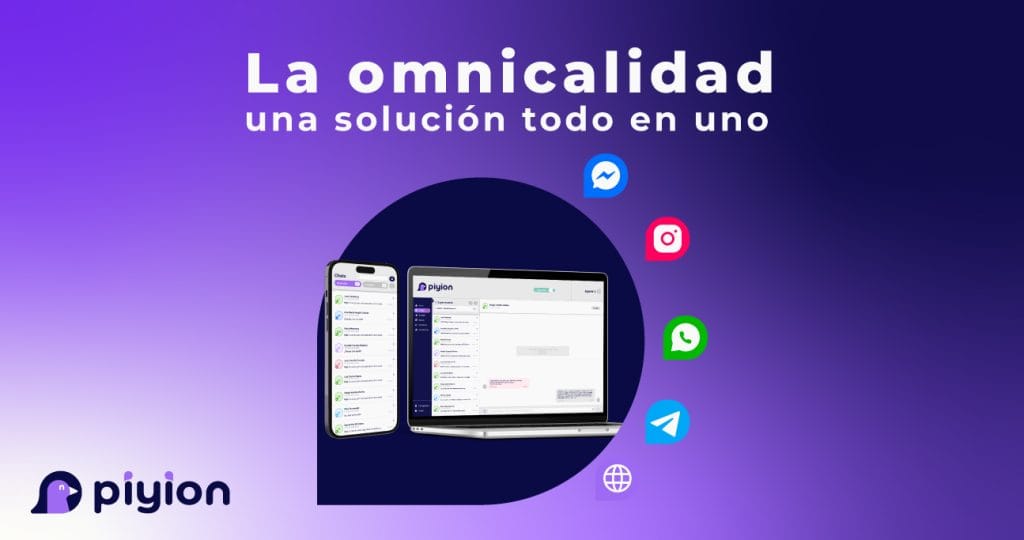
Omnichannel service aims to maintain continuity when a customer changes channels or speaks to another advisor. This article explains connected touchpoints, unified service and the use of shared information to coordinate customer support. It also distinguishes being present on several channels from delivering a connected experience. Use it to identify where history is lost, what the next owner needs to know and how to review the workflow before adding tools, so that each interaction contributes to resolving the customer’s need rather than repeating previous questions.
 English
 Español