
Coordinate channels around a consistent customer history
Omnichannel service aims to let a customer continue a request even after changing channels. The team needs to recognize the earlier conversation, retain agreements and keep a clear next action. Opening several channels does not automatically create that continuity.
Start where context is lost: a comment becomes a private message, an Instagram enquiry moves to WhatsApp or a request changes advisors. Define which information travels with the conversation and who owns it afterward.
These guides cover coordination across channels. Test common customer journeys before expanding operations. Review how often customers repeat information and which requests lose their owner during a handoff.

How to automate Instagram and Facebook comments and turn them into conversations
Automating Instagram comments can help you respond faster to people interested in your products or services. Think of a common…
Chat centers for businesses: what they are and why you need one

How to manage all your WhatsApp messages in one platform
When messages are spread across phones and advisors, it becomes difficult to know which customer is waiting and who should respond. This guide introduces a chat center’s shared inbox and its role in conversation assignment, customer history and follow-up. It reviews signs of disorganized work, including duplicate answers, delays and enquiries without an owner, and explains how to assess a centralized workflow. It is intended for businesses that need several people to coordinate their work while maintaining continuity in WhatsApp customer service.

Centralizing Digital Customer Conversations
Customers may contact a business through WhatsApp, social messaging or its website. Managing these conversations in separate places can make ownership and follow-up difficult. A shared workflow helps the team see pending work and respond consistently. Review the channels you actually use List where customer inquiries arrive and confirm which connections are supported in your…

Make Magic with Your Data!
Create Memorable Customer Interactions 💡 What if you knew your customers better than they know themselves? With Piyion, customer data…

Addressing Customer Communication Challenges with Piyion
Customer service and sales problems often appear as unanswered enquiries, forgotten follow-up or work that is difficult to coordinate. This article brings together ways to organize conversations with Piyion and adds guidance for diagnosing the process before automating it. It considers where context is lost, which task has no owner and what information the next advisor needs. The aim is to choose a specific improvement, test it with a realistic case and review the outcome before changing all of the team’s rules at once.

Holiday Content Ideas That Start Customer Conversations
Seasonal social content can invite customers to ask questions through WhatsApp, Instagram Direct or another connected channel. Plan both the public message and the conversation that follows so an interested person receives useful help. Present a clear offer Explain the product, genuine benefit and conditions. Invite people to ask about an option instead of placing…
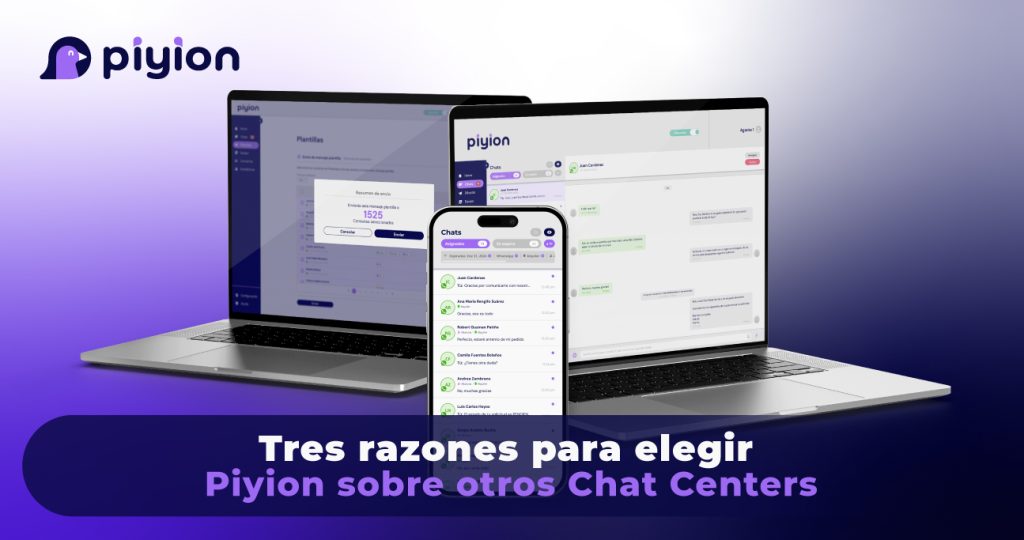
Three Reasons to Consider Piyion for Your Chat Center
Choosing a chat center starts with the way your team works. Piyion brings together customer conversations, agent collaboration and campaign follow-up. These three areas provide a practical starting point for evaluating whether the platform fits your business. 1. Connect automated answers with human assistance Routine questions can be handled through configured automatic responses, while customers…

Measure the Sales Workflow Behind Your WhatsApp Chats
A shared WhatsApp workflow should be evaluated with the business’s own data. Universal percentages do not show whether a particular team is improving. Start with a clear baseline and measure comparable periods after changing the process. 1. Review conversation ownership Count active enquiries with an assigned owner and identify those that have no next action.…
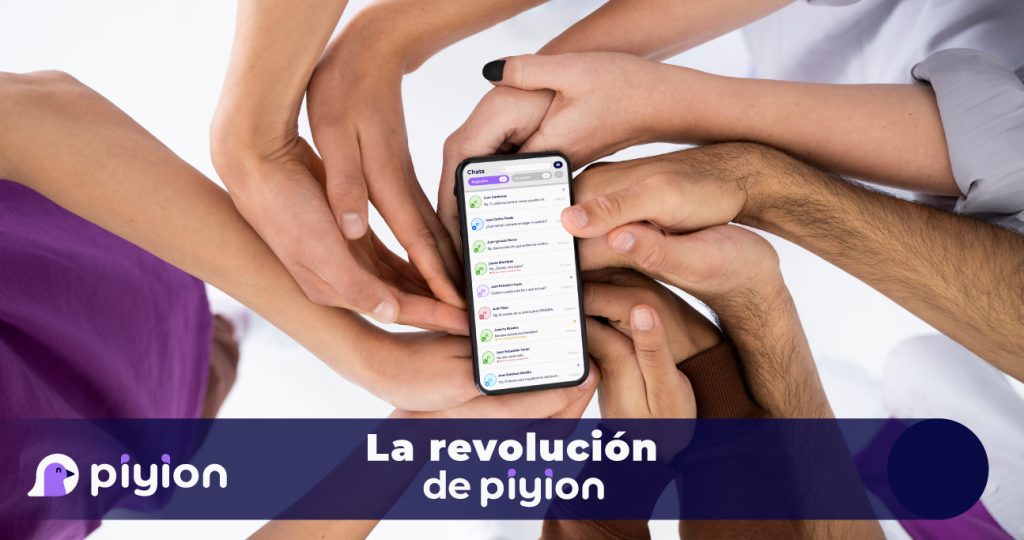
Bring Messaging, Sales and AI into One Workflow
Connect messaging, sales follow-up and AI assistance Piyion brings shared customer conversations, CRM workflows, campaign tools and Piyi assistance into a team workspace. Evaluate the platform against your actual channels, users and service requirements. Organize supported channels A shared interface helps agents review incoming work and the context of previous interactions. Confirm which channels are…
 English
 Español